
Need virtual fundraising ideas you can launch today?
Start fast with a quick-start grid, no upfront cost fundraisers, and school-ready online options built for groups across the U.S. & Canada.
What you’ll get on this page
A two-week online launch timeline (with school-specific notes)
Clear profit ranges and a simple fee checklist
Ship-to-home and pack-by-participant guidance for smooth delivery
A 45–60 minute virtual event run-of-show with MC cues
Copy-ready emails, posts, and scripts
Direct help from Fundraising.com across the United States & Canada
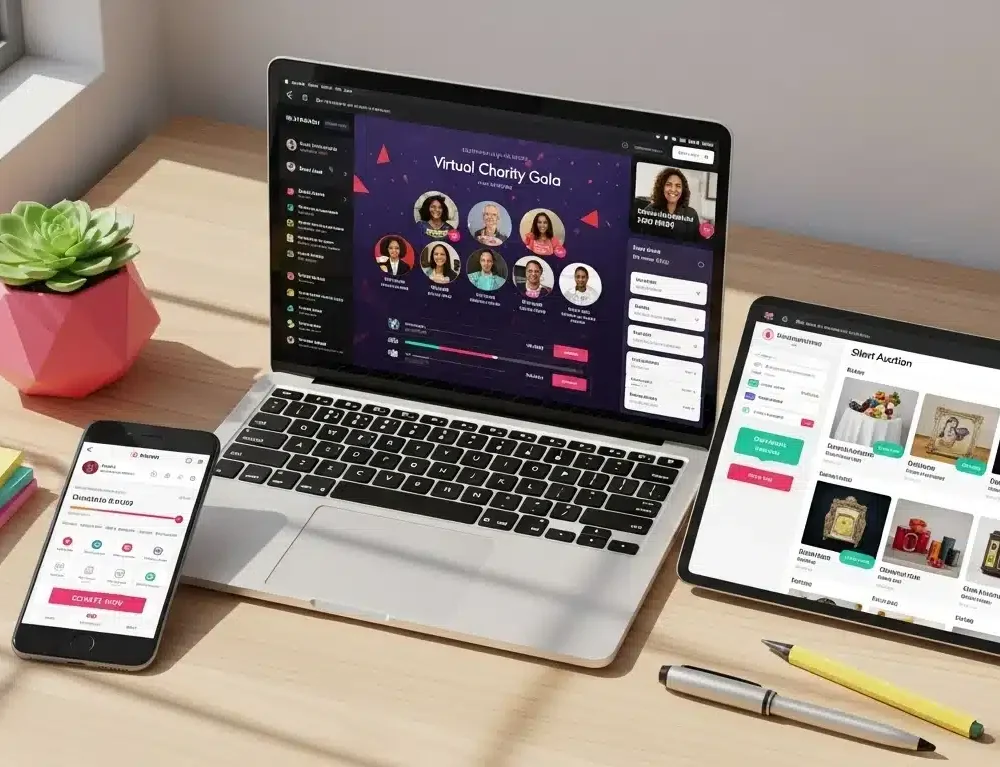
Quick-Start Ideas Grid (pick 1–2 to launch)
Use this to choose the simplest path for your group. Effort = volunteer hours to set up; Profit = typical net potential with basic promotion.
Idea | Effort | Timeline | Why it Works | Best For |
Online Catalog with Ship-to-Home | Low | 10–14 days | No upfront cost fundraisers with national shipping; families order from phones | Schools, teams, churches |
Read-a-Thon / Practice-a-Thon | Low | 14 days | Sponsors pledge per minute or flat gifts; no inventory | Elementary + music programs |
Virtual Auction (with Buy-Now items) | Med | 10–14 days | Experiences + gift cards; closes during short livestream | PTAs, nonprofits, boosters |
Livestream Class (chef, fitness, craft) | Low | 1 week | Ticketed Zoom/YouTube session; record for replays | Youth groups, PTAs |
Peer-to-Peer Challenge | Med | 7–21 days | Mileage/steps/acts-of-kindness tracked by participants | Sports, clubs |
Digital Raffle / Prize Draw* | Med | 7–10 days | Fixed-price entries; pick winner live | Schools, churches (check local rules) |
Virtual Gala (60-min) | Med | 2–3 weeks | Short program + paddle raise + 3 live auction lots | Nonprofits, foundations |
Sponsor-Backed Social Campaign | Low | 7 days | Local sponsors match gifts or donate per post/share | Any group |
*Where raffles are restricted, run a fixed-price pull or game of skill instead of chance.
Pro tip: Pair Online Catalog (ship-to-home) with one simple engagement (read-a-thon or livestream class). You’ll get both reach and momentum without pickup-day chaos.
Online launch timeline (two weeks, copy/paste)
Day −14 (Kickoff)
- Publish your landing page with QR code and short URL.
- Announce your purpose, goal, and end date in one paragraph.
- Share seller kits (one-pager + sample scripts).
Day −10
- Post the first story (student/athlete/mission).
- Invite families to tag relatives; include the ship-to-home note.
Day −7
- Midpoint push: “1 week left.” Highlight a best-selling item or milestone.
- For schools, send a teacher/coach script for morning announcements.
Day −3
- “3 days left” reminder with how to order in 3 steps.
Day −1
- Final push (evening): countdown post + short video; remind about free-shipping thresholds (if offered).
Day 0 (Close)
- Thank supporters publicly; keep the link open 48 extra hours for late gifts.
- If you’re also running a virtual event, close the auction live tonight.
Optional in-person touch: Add a small direct sale table (chocolate bars, lollipops, pretzel rods, Smencils) at pickup or practice to drive immediate cash while online orders roll in.
Profit clarity & fee checklist
Typical planning ranges
Online Catalogs (no upfront): ~30–50% margin depending on mix/volume
Direct-to-home popcorn/cookies/candles: similar margins; shipping handled for you
Virtual events/auctions: net is driven by sponsorships, paddle raise, and Buy-Now items; aim to keep paid program to ≤60 minutes
The simple fee checklist (avoid surprises)
Payment processing: % + per-transaction fee
Platform/service: monthly or per-event fee? Any add-ons (text-to-give, ticketing)?
Shipping: thresholds for free shipping; warm-weather handling for chocolate
Sales tax: who collects/remits for ship-to-home orders?
Payout timing: when do funds hit your account?
If a program markets itself as no upfront cost, confirm minimums, profit %, shipping, and payout timeline in writing. Then put the numbers on your kickoff slide so everyone understands the plan.
School-ready section: online fundraisers for schools
Why schools love it
Parents can buy from phones; grandparents can participate from anywhere
Pack-by-participant or ship-to-home eliminates post-sale chaos
Principal-friendly: short windows, clear goals, no hallway clutter
How to run it (classroom version)
Homeroom competition: 10 orders or $250 per class; prize = extra recess or “principal for a period”
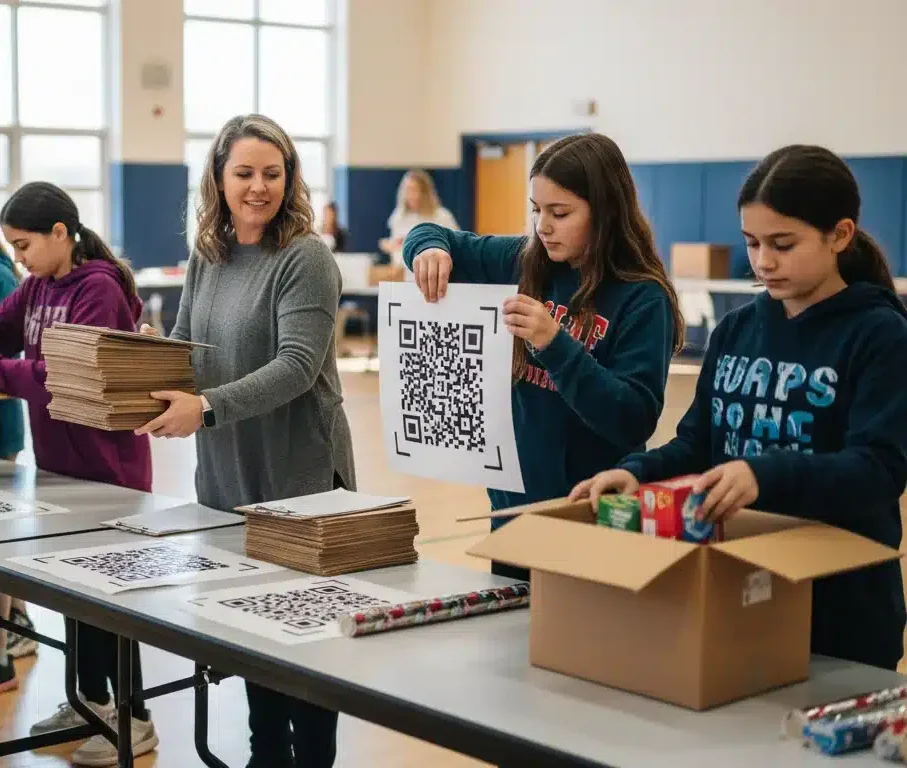
Teacher tools: QR mini-posters + announce-in-one-breath scripts
Accessibility: include a non-food option where policies require it
Calendar fits
Aug–Oct: back-to-school catalog + pickup-line direct sale
Nov–Dec: holiday gifts/candles + choir concert livestream
Mar–May: spring gifts/popcorn + read-a-thon or showcase stream
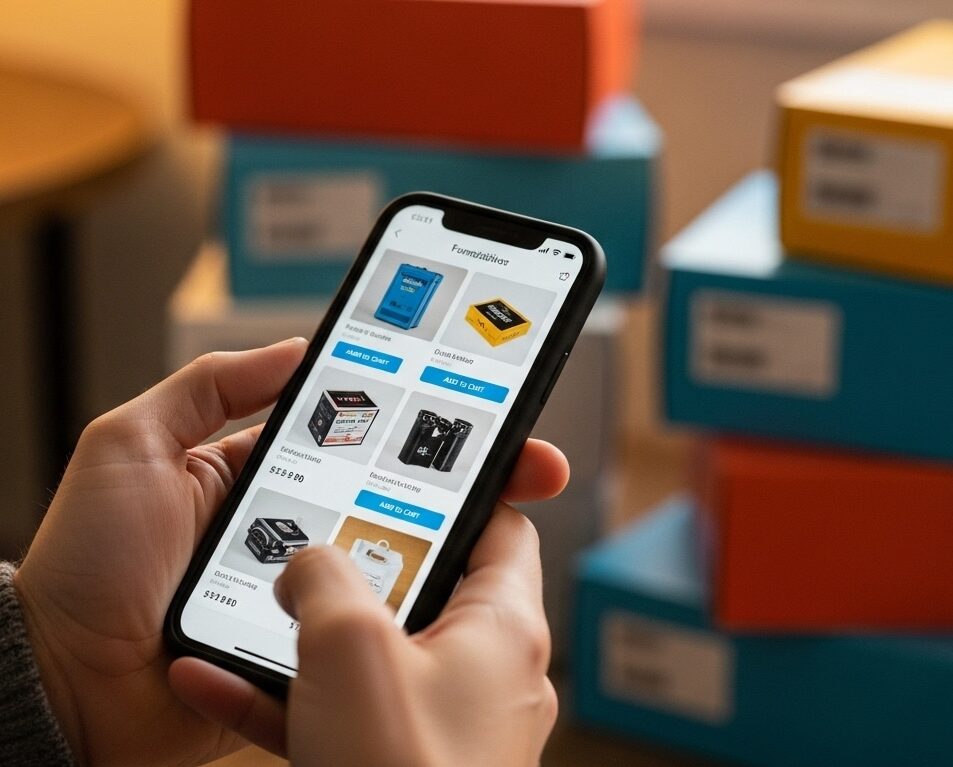
Smooth delivery: ship-to-home & pack-by-participant
Ship-to-home: easiest for staff; supporters receive orders directly. Ideal for widespread families and winter weather.
Pack-by-participant: if delivery comes to school/church, boxes are labeled per seller; set A–M and N–Z pickup windows; add a short line for accessibility needs.
Allergen & labeling: follow vendor notes—especially in Canada.
- Hot-weather tip: avoid porch deliveries of heat-sensitive items; choose spring/fall windows or non-melters.
Virtual event run-of-show (45–60 minutes)
0:00 – 0:05 Welcome + sponsor thanks (MC on camera)
0:05 – 0:10 Mission moment video (90 seconds) + quick interview
0:10 – 0:15 Paddle raise (pre-set giving levels + open give)
0:15 – 0:30 Live auction lots 1–2 (or Buy-Now open)
0:30 – 0:35 Entertainment interlude (student performance/guest)
0:35 – 0:50 Live auction lots 3–4 + final appeal
0:50 – 0:55 Raffle or fixed-price pull winners (if compliant)
0:55 – 1:00 Thank-you + outcome graphic + replay links
Read More
MC cues (copy/paste):
“You’ll see a donate button on your screen—every gift moves us closer to [impact].”
“If a lot passes your budget, use Buy-Now to give and grab a gift card that supports local merchants.”
“Can’t stay? The auction remains open for 30 minutes after we end—watch your phone for overbid alerts.”
Tech checklist
Test mics, music beds, slides, and lower thirds.
Stream to one primary channel (YouTube Live, Facebook Live, or your event platform) + record locally for replays.
Assign a chat host to drop links and thanks in real time.


Messaging kit (ready to paste)
Launch email/newsletter
Subject: Help us reach [goal]—shop or give from home
Body: “We’re launching a two-week online fundraiser to support [project]. It’s simple: shop our ship-to-home catalog or give through our page—no pickup day, no paperwork. Every order supports [impact]. Start here: [short link].”
Social post (Day −10)
“7 days left! Order from your phone—items ship to your door. Prefer to give directly? Tap the donate button. Thank you for helping [group] reach [goal].”
Final push (Day −1)
“Last chance to support [group]—orders close tomorrow at 8 PM. Three taps, no upfront cost to the group, and everything ships to you. [short link + QR].”
Virtual event CTA
“Join our 45-minute livestream Thursday at 7 PM—quick program, great items, and a short appeal that funds [outcome].”
Governance & risk notes (save headaches later)
Use your official group page (not personal crowdfunding) so gifts are approved, receipted, and reportable.
Confirm district/diocese rules for raffles, alcohol, and gaming. Where raffles are restricted, run fixed-price pulls or games of skill.
Set a privacy rule: no student surnames; photo permissions required.
Reconcile platform and processor totals within 48 hours of close.
FAQs
What are the easiest virtual fundraising ideas with the least setup?
Online catalog with ship-to-home + a read-a-thon or livestream class. Both can launch in under a week with templated assets
Can we do this with no money upfront?
Yes. Many catalogs and virtual events require no inventory purchase. Confirm profit %, minimums, and shipping terms up front.
What are the best online fundraisers for schools?
Catalogs with pack-by-participant or ship-to-home, read-a-thons, and short virtual auctions tied to concerts or showcases.
Do we need a full one-hour virtual gala?
Not always. A 45–60 minute program with a mission moment, paddle raise, and 3 live lots performs well without viewer fatigue.
How do we reach out-of-town supporters?
Use ship-to-home, a shareable short link, and QR codes on every image/post. Ask each family to text it to three relatives.
Why groups choose Fundraising.com for online & no-upfront programs
Clarity over hype: realistic profit ranges and a simple fee checklist
Flexible options: online catalogs, ship-to-home, virtual events, and quick direct sale add-ons
School-friendly timelines and classroom tools (QR posters, scripts, pack-by-participant workflows)
U.S. & Canada coverage with guidance on availability, labeling, and shipping windows
Templates & support: emails, posts, MC cues, and a real person to help you size the program
Tell us your dates, headcount, and goal—we’ll recommend the best mix and send everything you need to launch.
Get started in 15 minutes
Pick your combo: Online Catalog (ship-to-home) + one engagement (read-a-thon or livestream class).
Set your dates & goal and publish your short link/QR.
Paste the launch email/post and hand out seller one-pagers.
Schedule two reminders (Day −7 and Day −1).
Close and celebrate—then roll highlights into your next event or season.